
I’ve been doing some work with .NET MAUI lately.
I know, I know, it was my idea and I’ve only got myself to blame. I’ll maybe make another post about how not-very-good .NET MAUI is out of the box and how Avalonia UI is, in my opinion, what it should have been, but this post is about how to use the poorly documented MVVM Community Toolkit’s messaging functionality to decouple my app instead of relying on event handlers.
Long story short, the idea is sound but the documentation fails to effectively surface some pretty fundamental implementation details. The sample app doesn’t help much more either.
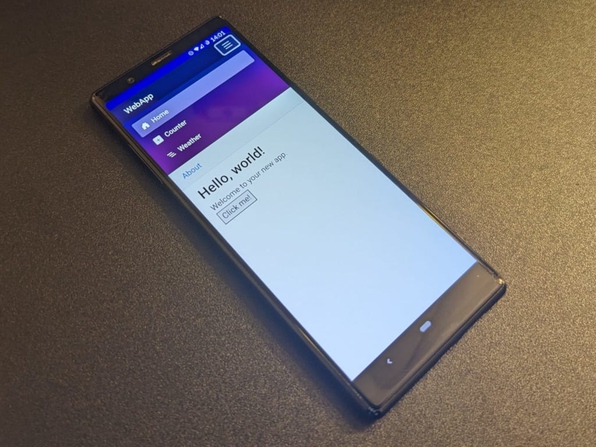
I took some time to investigate developing a MAUI mobile app that shares business logic with a Blazor web app by way of ViewModels and the like. What I discovered was that MAUI and XAML is a pretty cumbersome framework. My colleague Kael gave me some insight on the possibility of building a Blazor app and running that as a MAUI app. After looking into it in more detail I came to the conclusion that having a single application with multiple deployment targets is a more practical approach to cross-platform development. This article serves as a guide to developing a single application that can be deployed as both a website and an Android app. Of course there are a few platform specific things to look out for but they’re easily handled as I will demonstrate in this post.
© Copyright 2026
Phil Watson
Last updated
Saturday, 23/May/2026 14:43 +1000